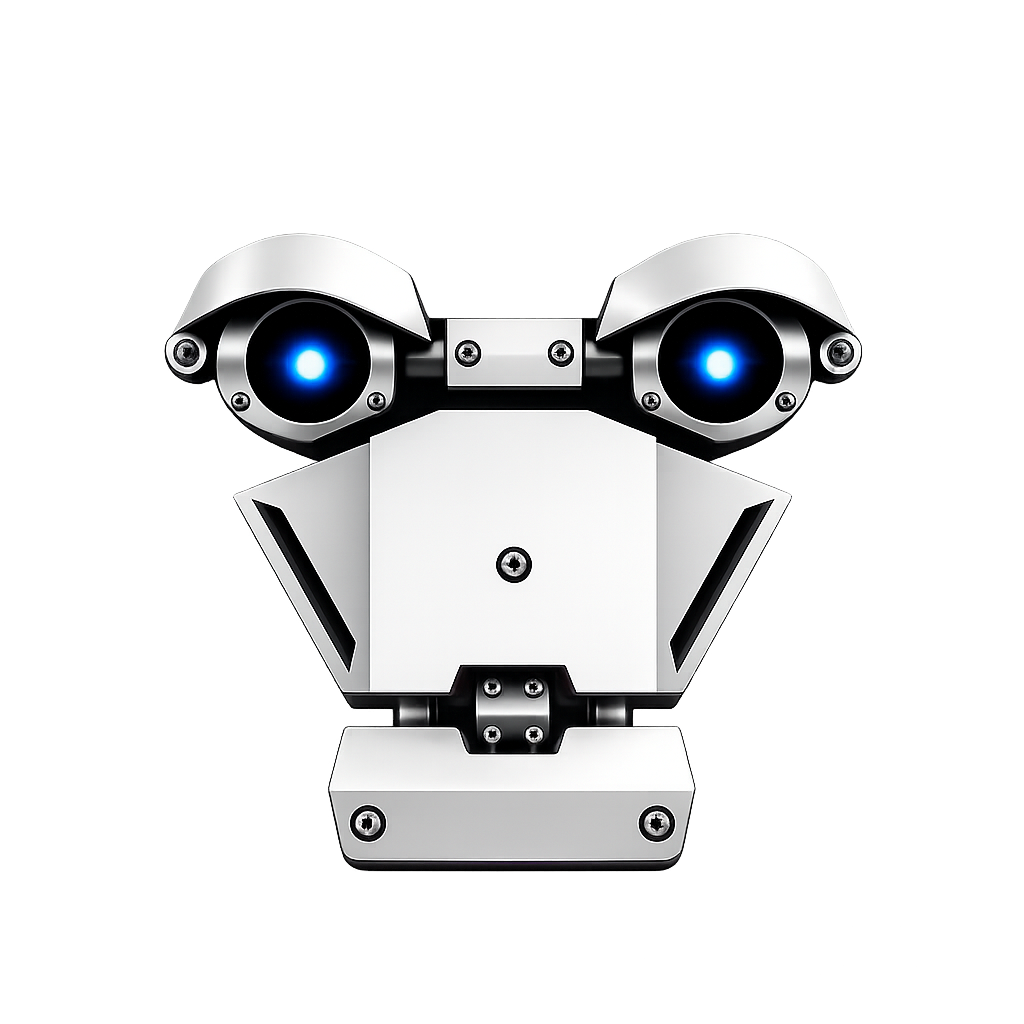
Nothing remembers.
Each tool is smart on its own and useless together. Nothing knows what the other one just did.
Run and coordinate real AI agents like a team instead of five isolated tabs. Speak your own language. Reach past the screen into your robot, your phone, a live browser.
In your language, not just English. Cloud voice when you want power, on-device Whisper when you want it private, offline and free.
Claude Code, Codex and Gemini run as live terminals on one canvas. Brutus plans the crew and hands work down the wire itself.
Past the screen and into the room: your robot over Bluetooth, your phone over ADB, a dev server it just booted.
The problem
Right now, using AI well means running five different tools that have never heard of each other. Every one of them is smart on its own and useless together.
for a question
in a terminal
for the hardware
for your device
barely supported
Each tool is smart on its own and useless together. Nothing knows what the other one just did.
Want two agents to collaborate, one writing and one reviewing? You are the integration, copying output between windows and hoping context survives.
If English is not your first language, half of these barely work for you at all.
It can write you a plan. It cannot turn on your robot, read your phone, or look at the dev server it just built.
An AI assistant should not mean picking one narrow tool and living with its walls.
Brutus is one desktop app that does what those five tools do separately, except here they share the same memory, the same keys and the same voice.
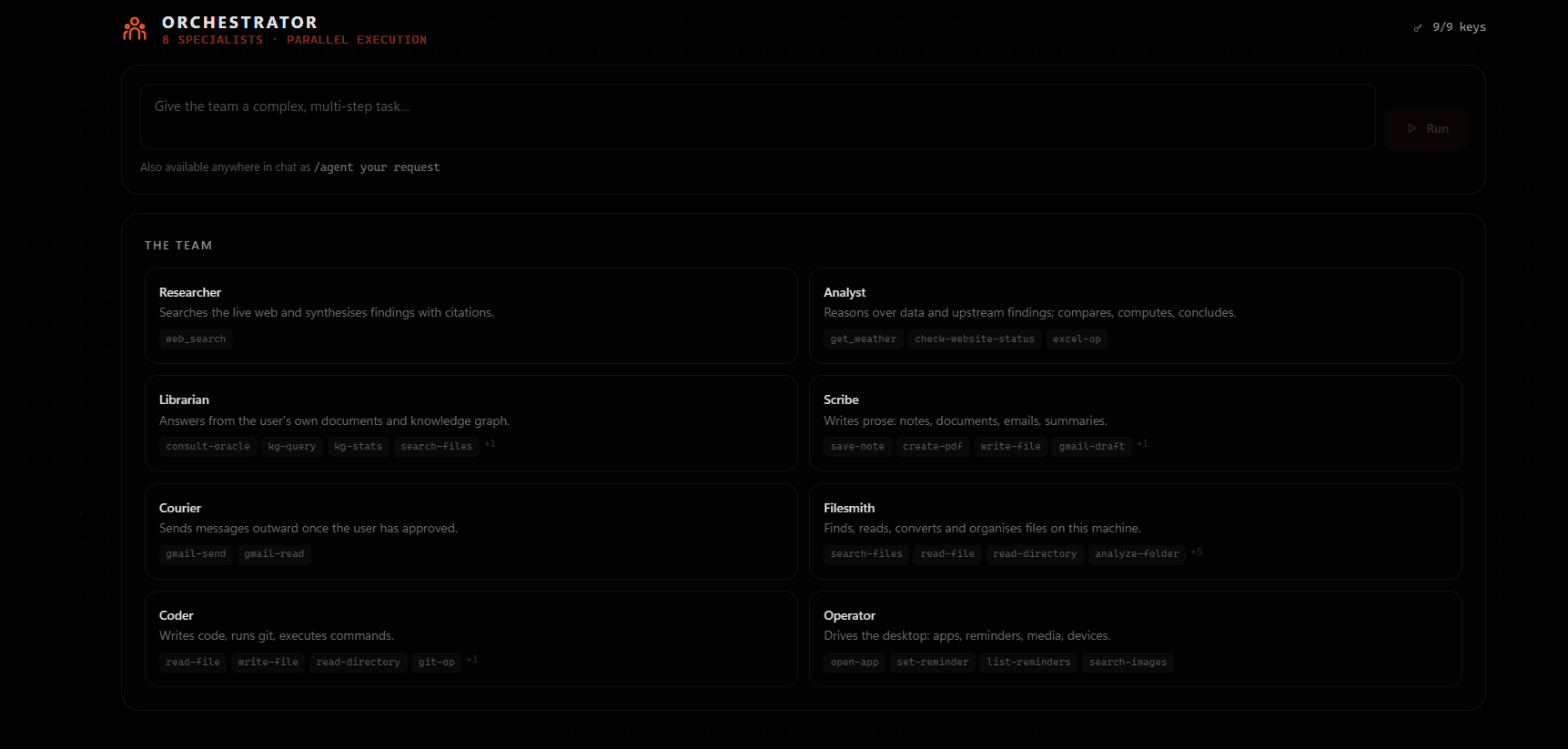
Claude Code, Codex and Gemini as live terminals on one canvas. Wire them together, or just say what you want and let Brutus staff the crew and track it to done.
An agent boots a dev server and a window opens on the canvas showing it running.
Talk however you talk. Cloud voice for power, on-device for private and offline.
Desk triages the mail, drafts in your voice, and sends only what you allow.
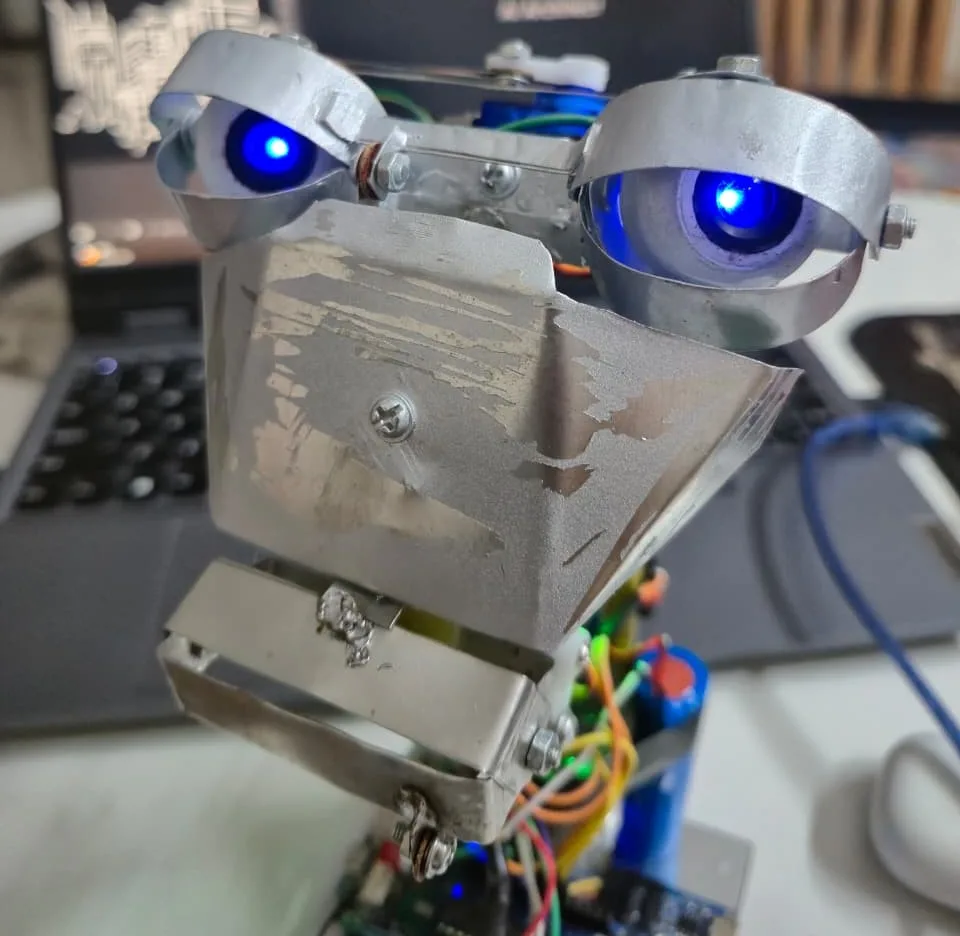
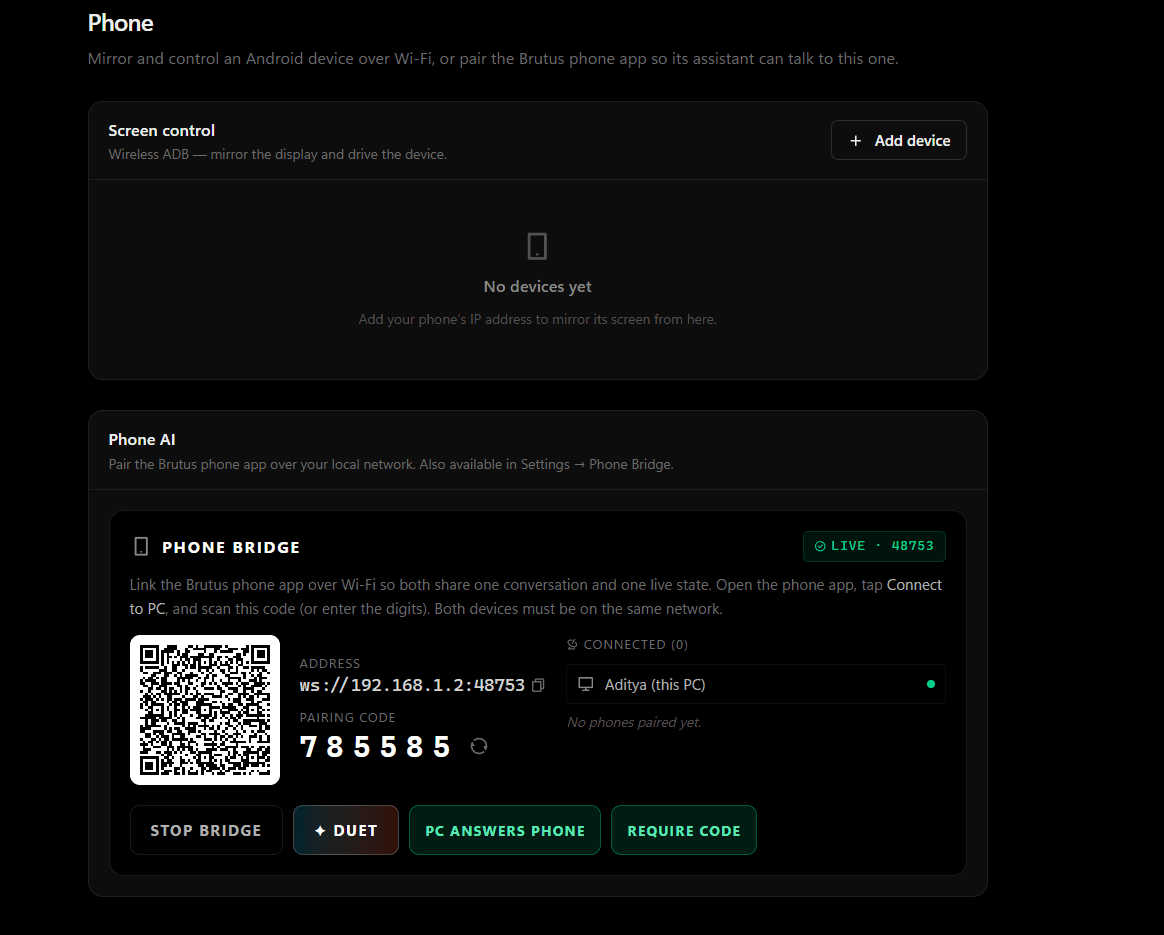
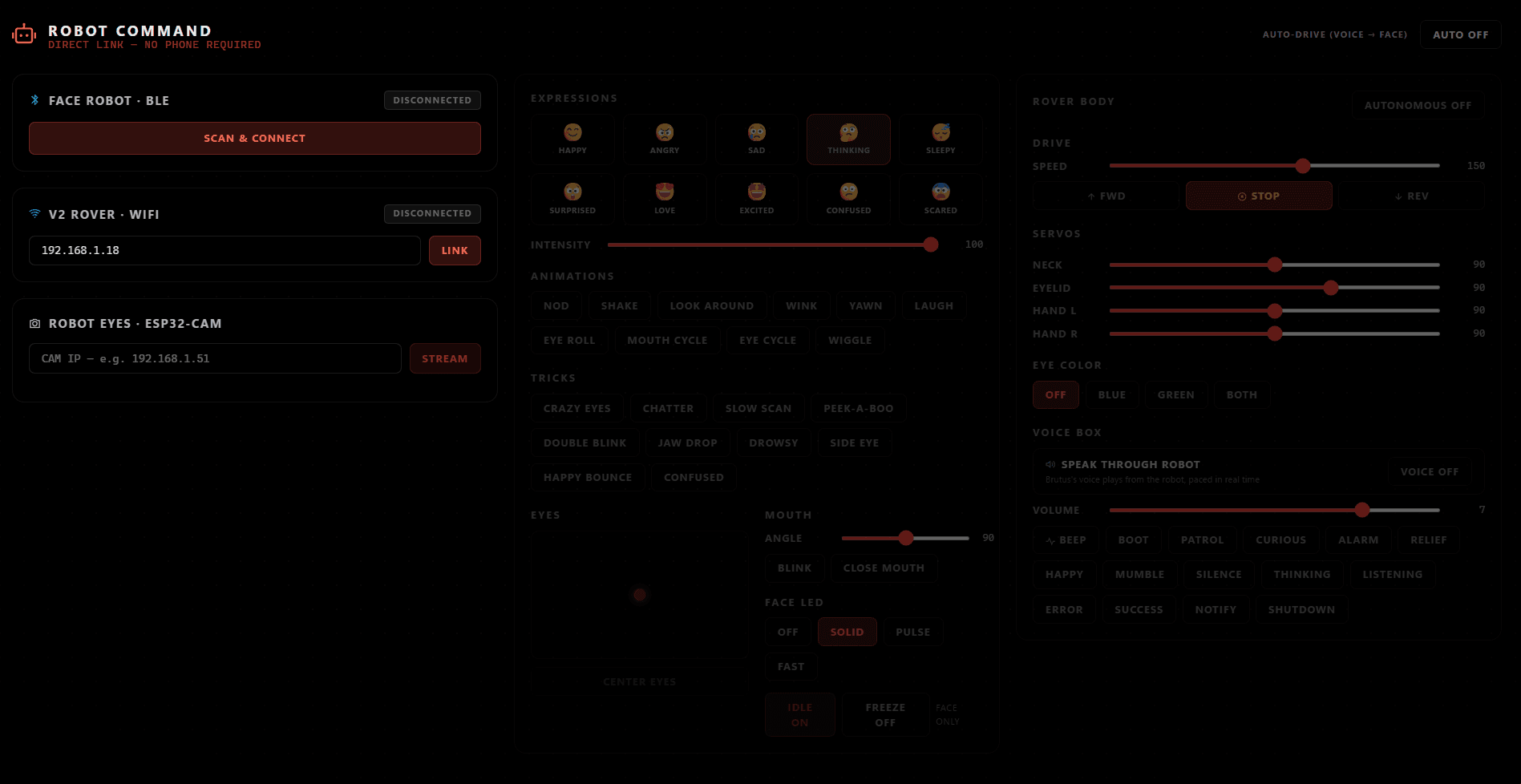
Drive the robot head over Bluetooth, mirror and control your Android over ADB.
Every send, file change and command funnels through it. You pick guarded or autonomous.
The solution / Studio
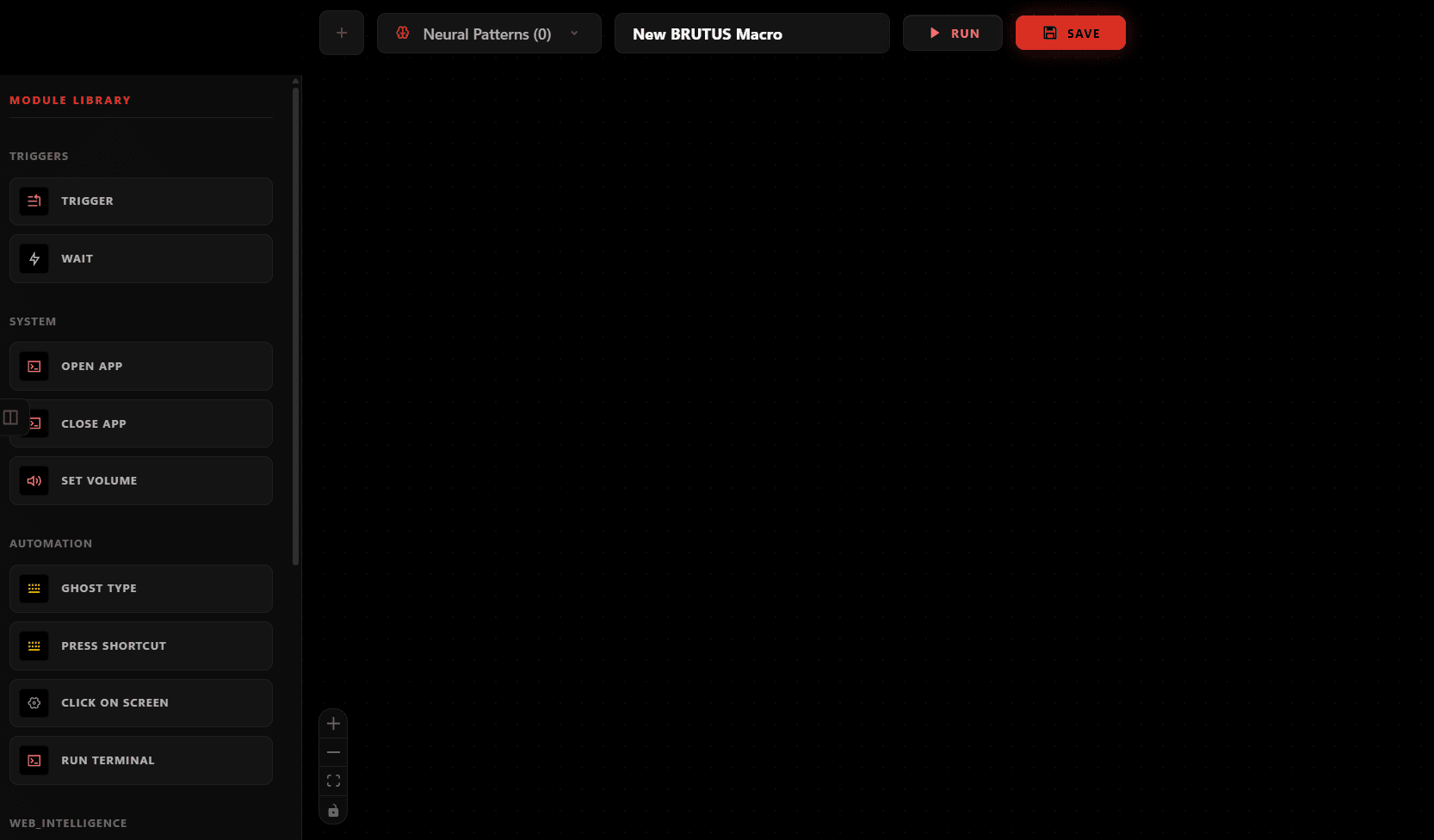
Claude Code, Codex and Gemini run as real, live terminals you can actually see, side by side, wired together. Not tabs. Not screenshots of tabs. Actual CLI processes you can watch, interrupt and hand work between.
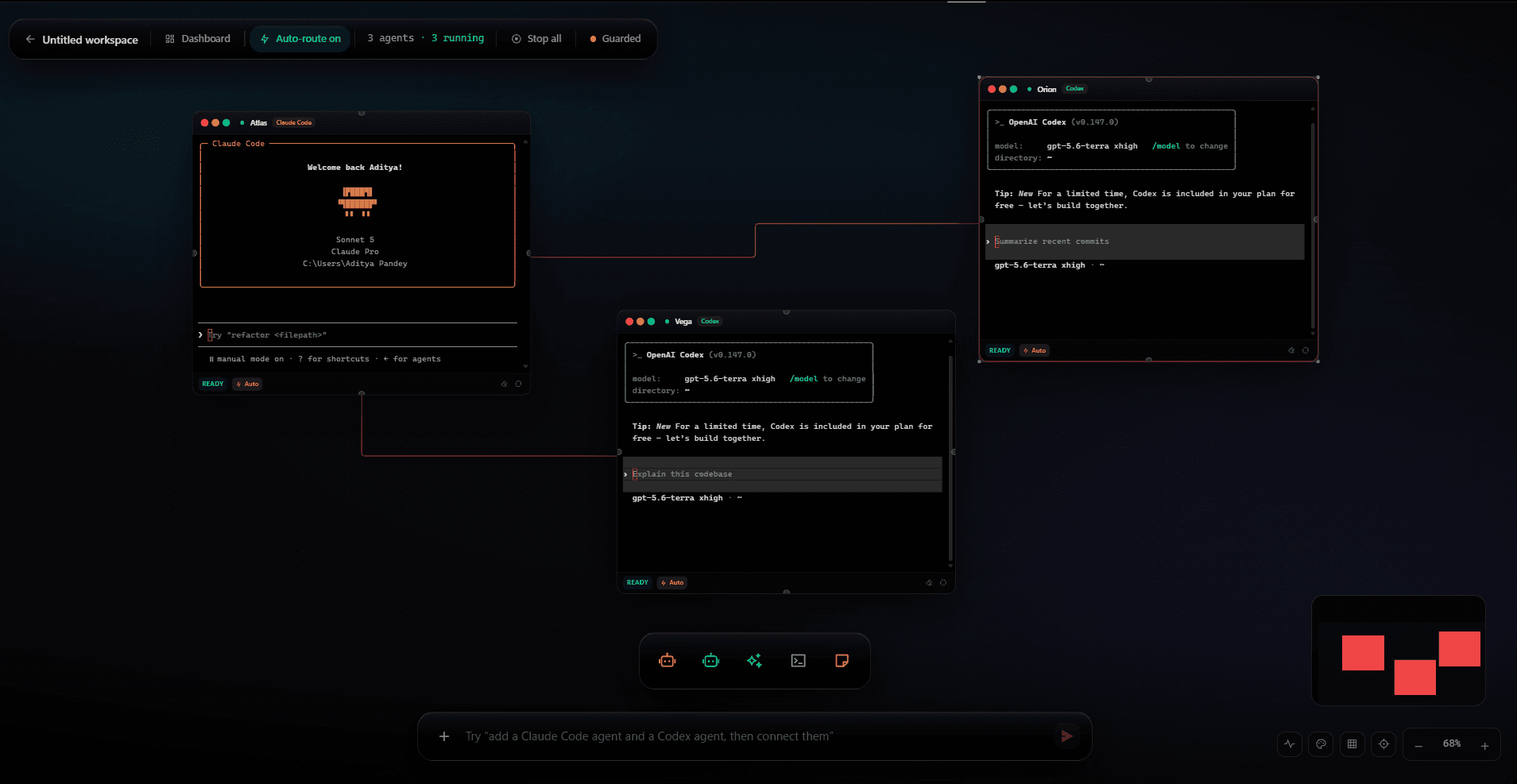
Connect one agent's output to the next with visible strings. Finish work in one and Brutus hands it straight to the next, no copy-paste, no lost context.
Type or speak one request into the Dashboard. Brutus plans the crew itself: who does what, in what order, tracked step by step until it is done or it flags exactly where it stuck.
Writes the code
Reviews the diff
Runs the tests
Brutus moves the work along the wire automatically. You stop being the clipboard between terminal windows.
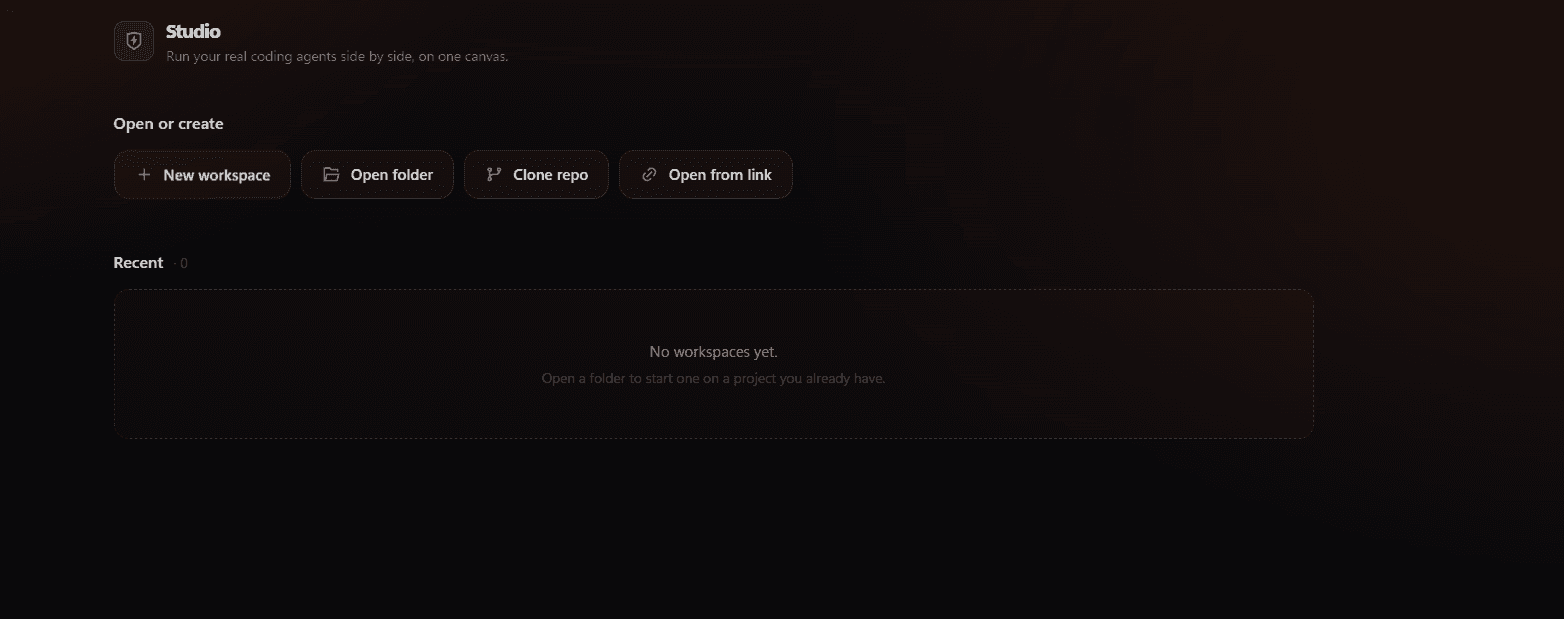
Live preview
The moment an agent starts a dev server, Brutus opens a window right on the canvas showing it running. No alt-tab, no separate browser tab you have to remember to check.
$ npm run dev
ready on http://localhost:3000
▸ preview attached
watching for changes…
the page the agent just built
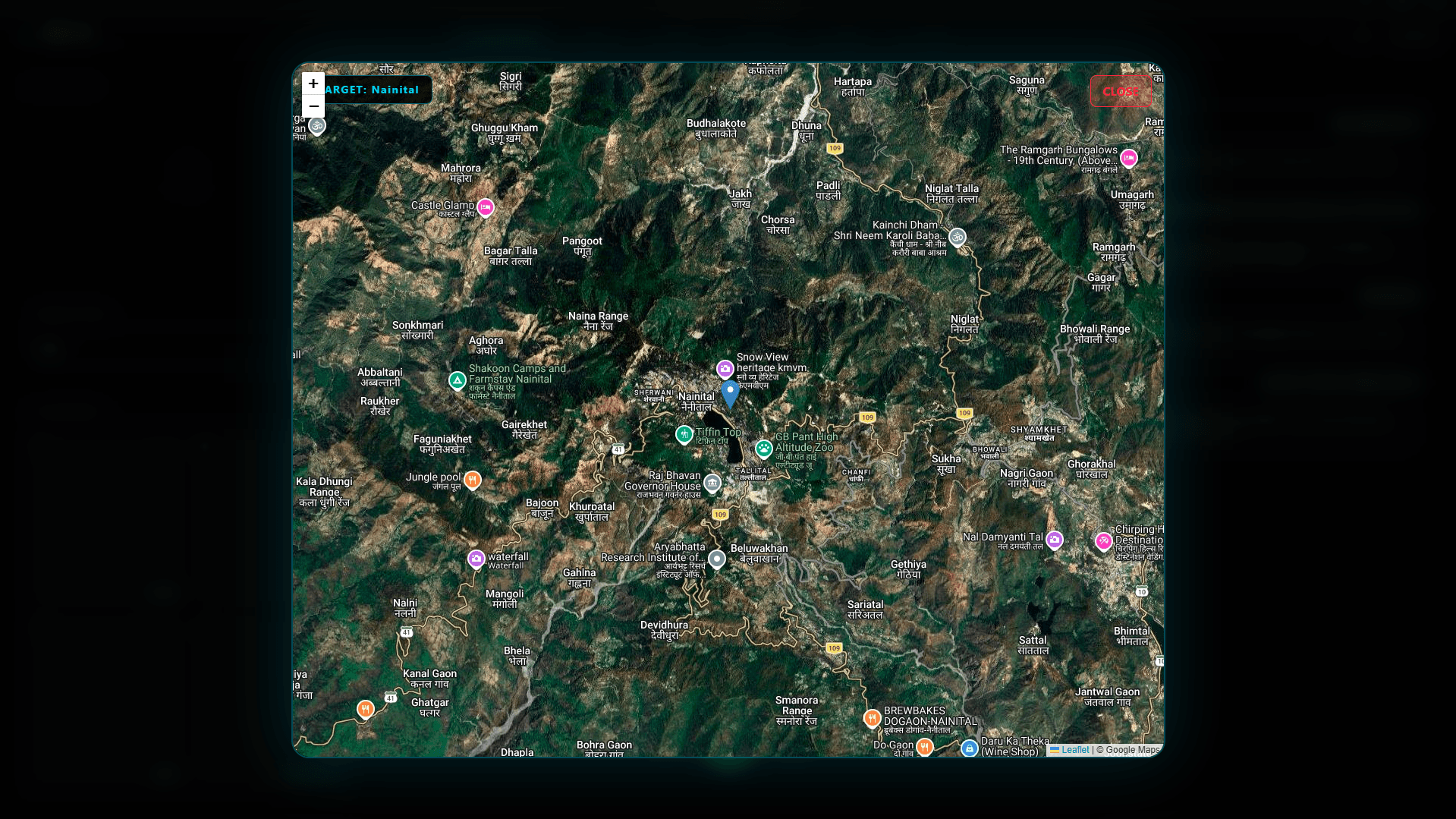
A dev server, a mirrored phone screen, a map of somewhere you just asked about. When a tool has something to show, it opens in place instead of throwing a link at you.
Multilingual voice
Not just English. Switch languages mid-sentence, mix them in one breath, and Brutus keeps up and answers in kind. Then it goes and does the thing you asked for.
Live transcript
हेलो ब्रूटस कैसा है
Badhiya ek dam! Tu bata, kya scene hai? How can I help you today?
अच्छा तेरे को मेरा फेवरेट सॉन्ग याद है उसको Spotify पे प्ले कर दे यार
Playing "Blinding Lights" by The Weeknd on Spotify. Done, full vibe set ho gaya.
Gemini Live for the most natural back and forth, with interruption handling and the widest language coverage.
Whisper runs speech to text locally. Nothing leaves the machine, works with the network unplugged, and costs nothing per minute.
Your choice per session. Use the cloud when you want the best conversation, switch to on-device for anything private, offline, or when you would rather not pay by the minute.
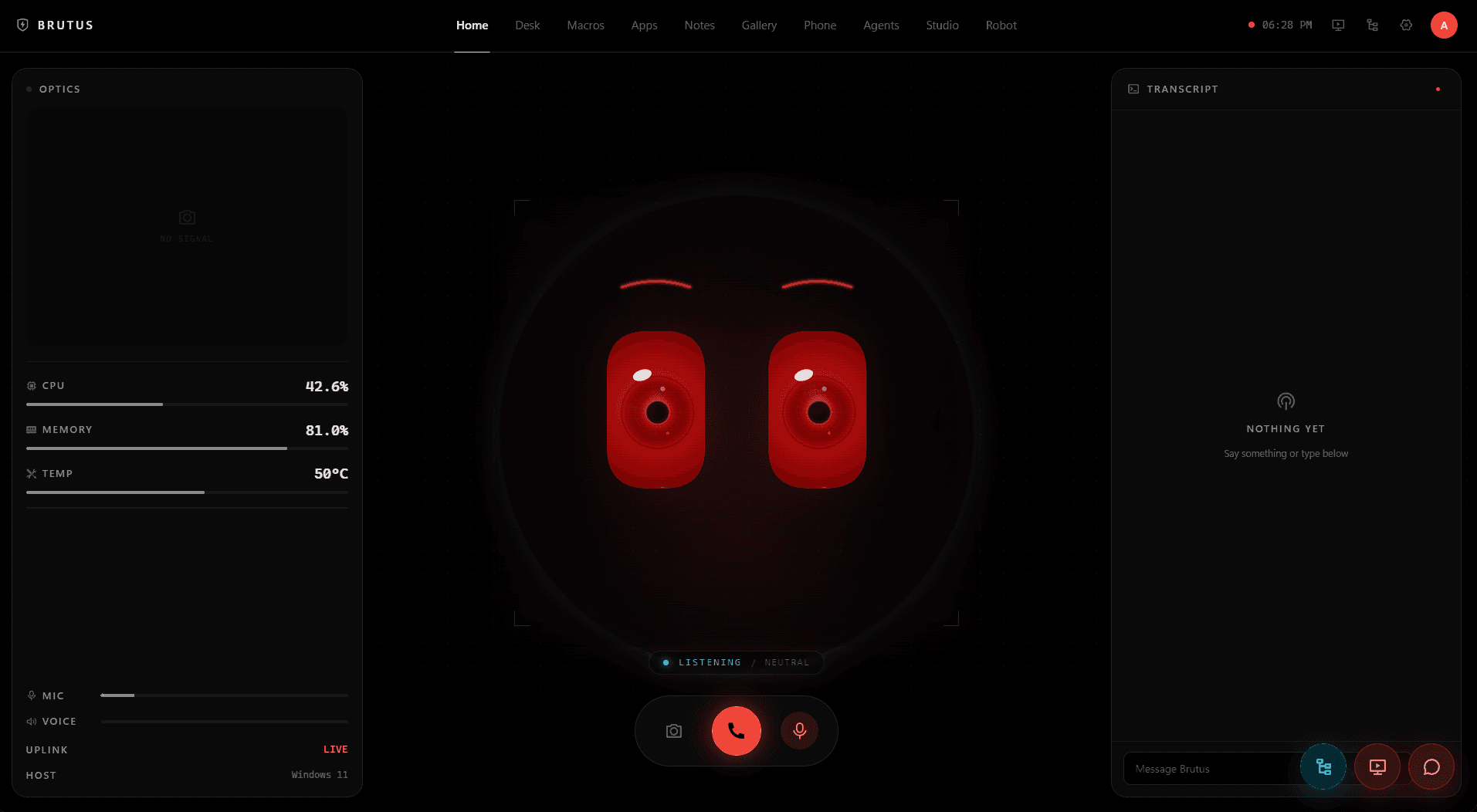
Not a chat box with features bolted on. Every surface does real work on your machine, and they all share the same memory, the same keys and the same voice.
The face reacts while it listens. Live transcript down the right, camera feed and machine vitals down the left.
Brutus Desk
Rules sort mail into folders. Desk reads it, decides what genuinely needs you, and has the replies waiting when you sit down.
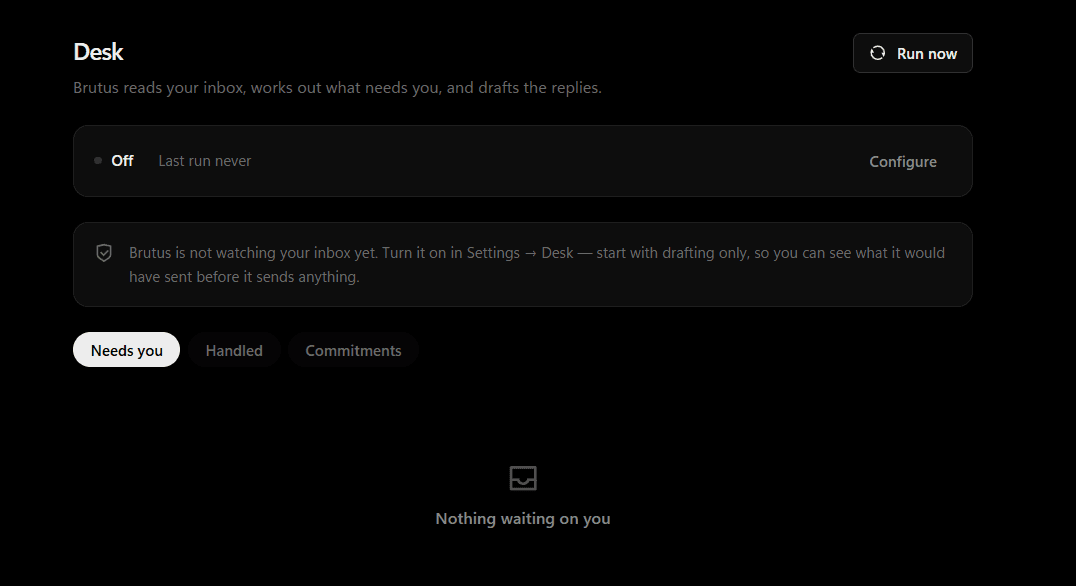
Goes through what came in and works out what actually needs a human.
Writes the replies the way you write them, not the way a chatbot writes them.
Sending is off until you turn it on, and even then only for the ones it is confident about.
Reaches past the screen
Most assistants stop at text. This one turns on. Four micro servos move the eyes, eyelid and jaw, an Arduino Uno and an HM-10 take commands over Bluetooth LE, and every expression on screen plays out on real metal.
SG90 micro servos
BLE command types
scripted animations
in parts, total
// the entire wire protocol is plain ASCII
> E5 surprised, full intensity
> E1,40 angry, dialed to 40%
> M140 jaw open, mid lip-sync
> L60,70 eyes look left and up
> A3 wink
> W5 jaw drop
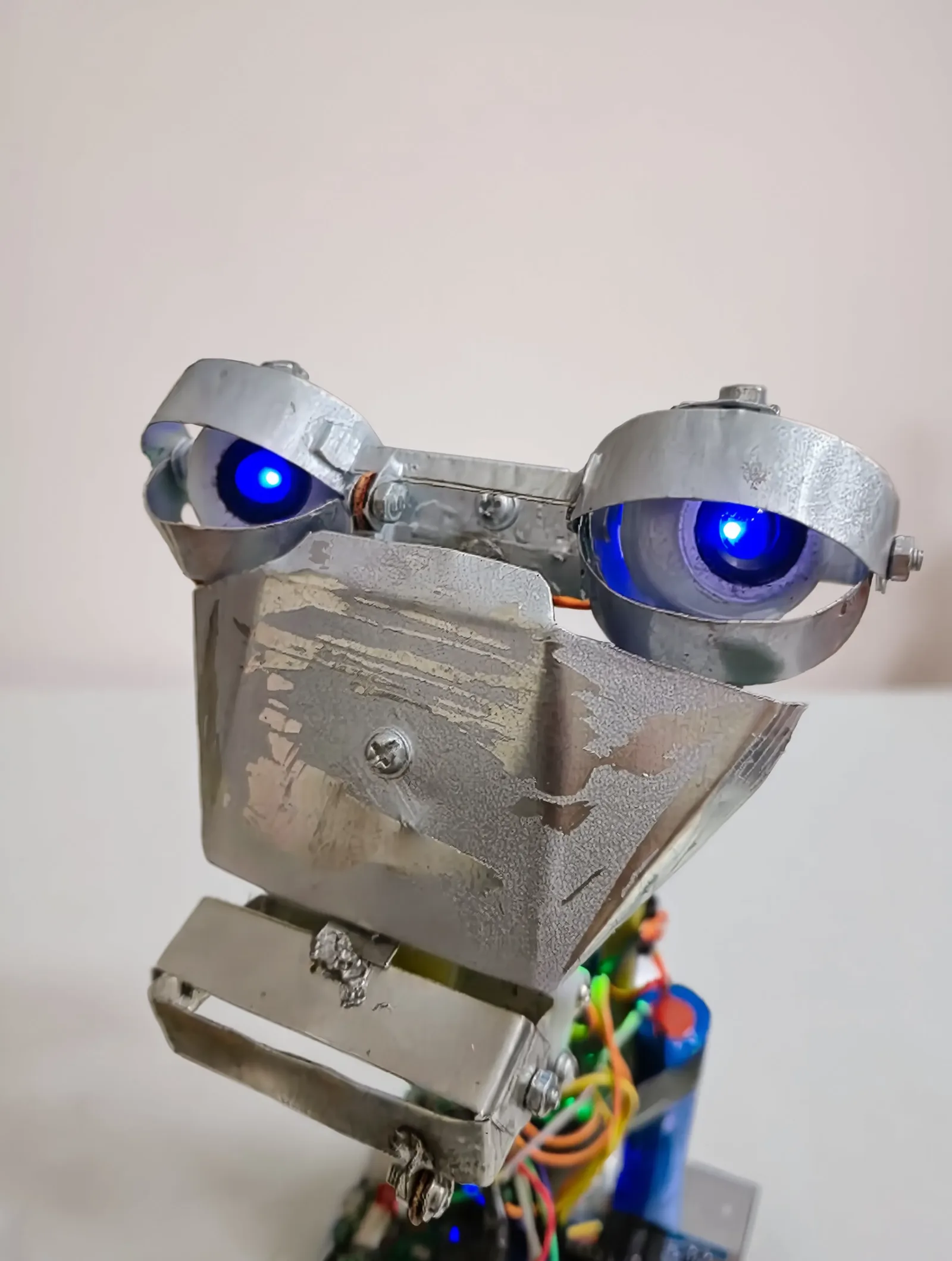
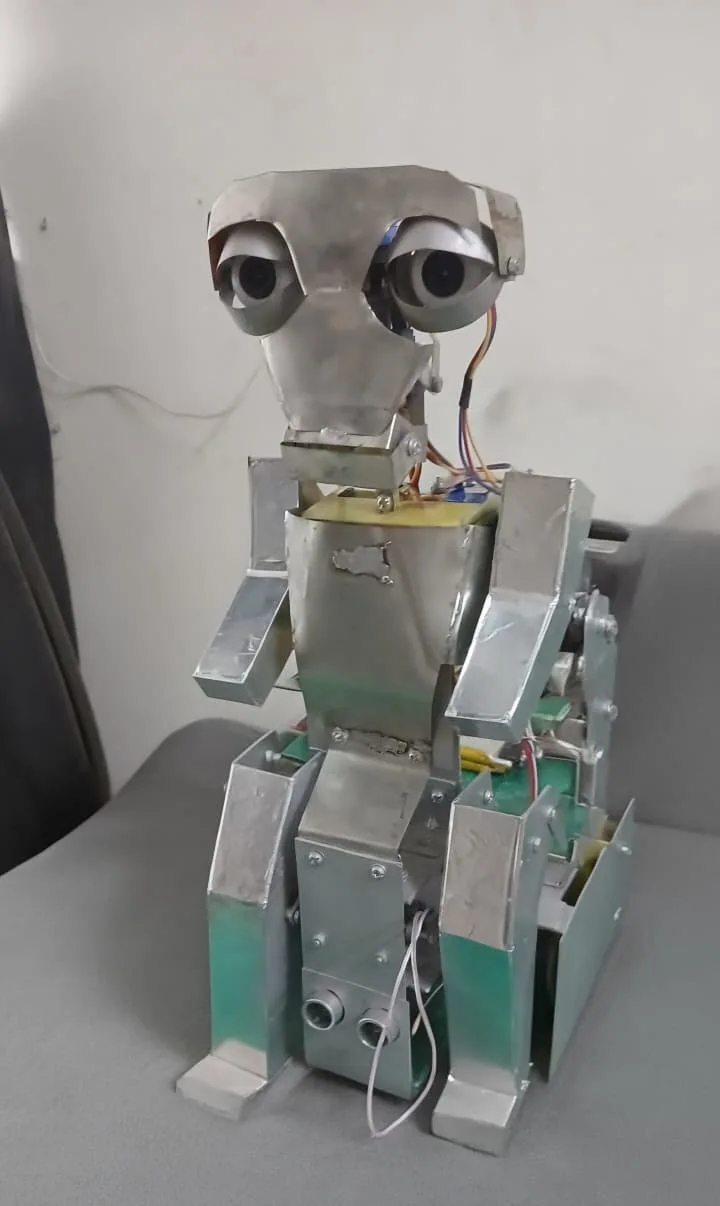
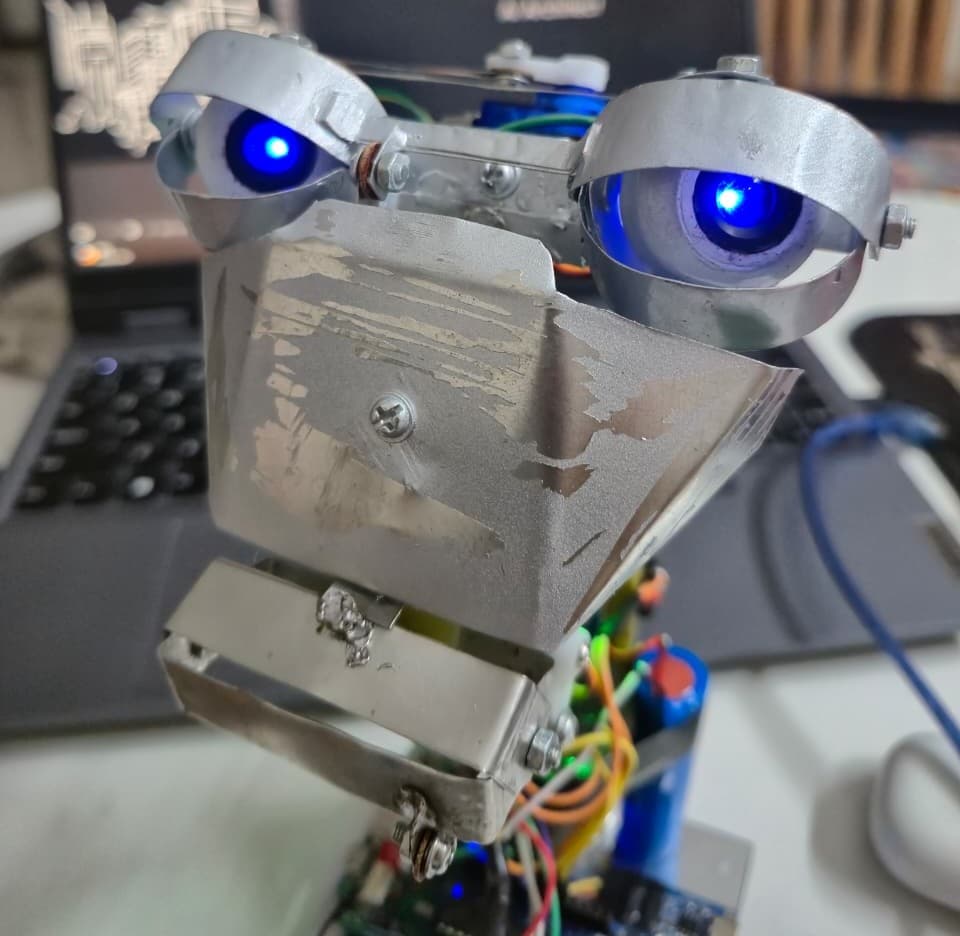
Eye servos on D3 and D5, eyelid on D6, jaw on D9. Sound sensor on A0, status LED on D8, and the HM-10 on D10 and D11 behind a 1k / 2k divider, because its RX pin is 3.3 volt. Power the servos off their own pack and tie the grounds together.
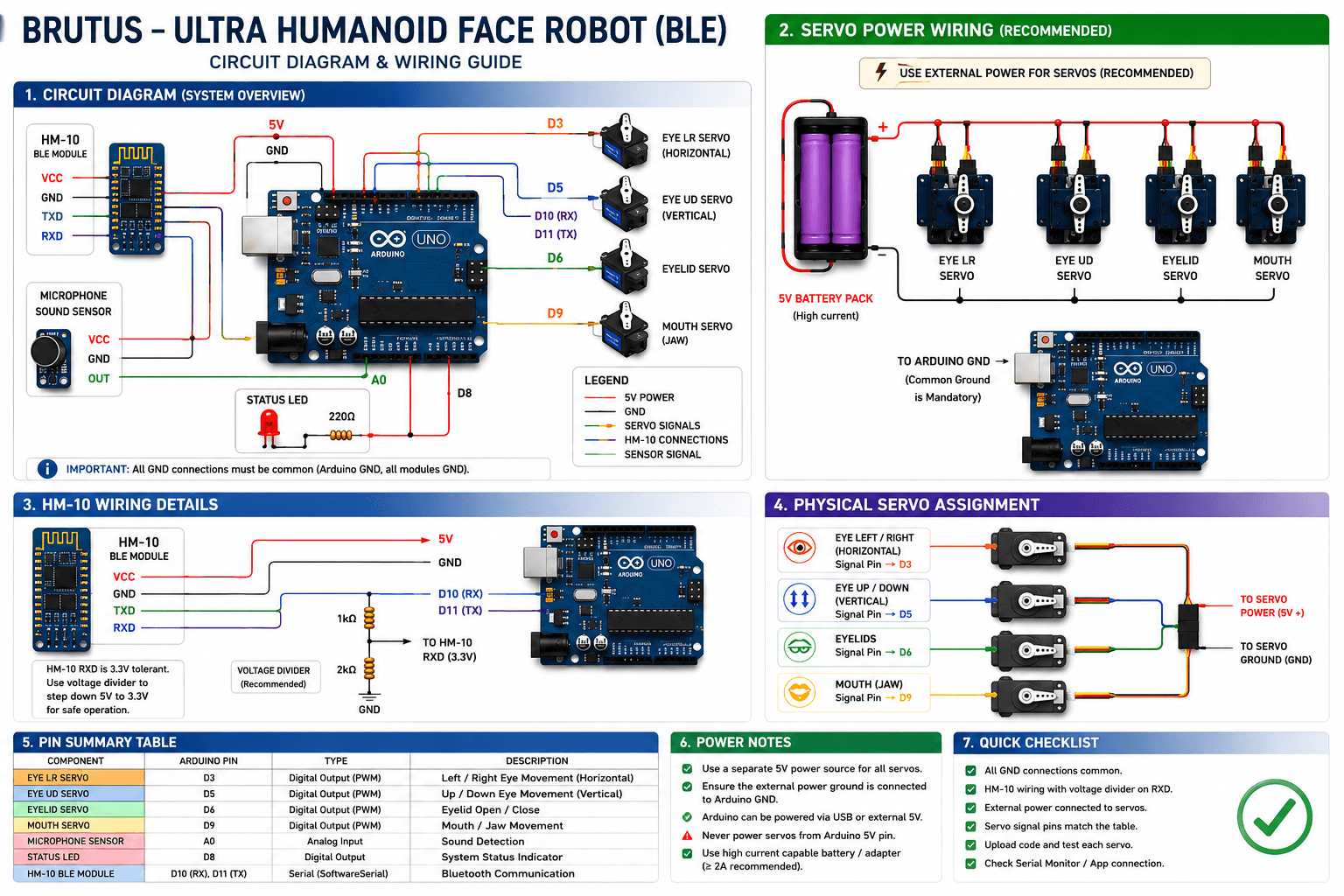
Every emotion maps to servo keyframes stored on the Arduino, dialed from 0 to 100% intensity. The model triggers them mid-sentence as tool calls: say "Brutus, wink" and the metal face winks back.
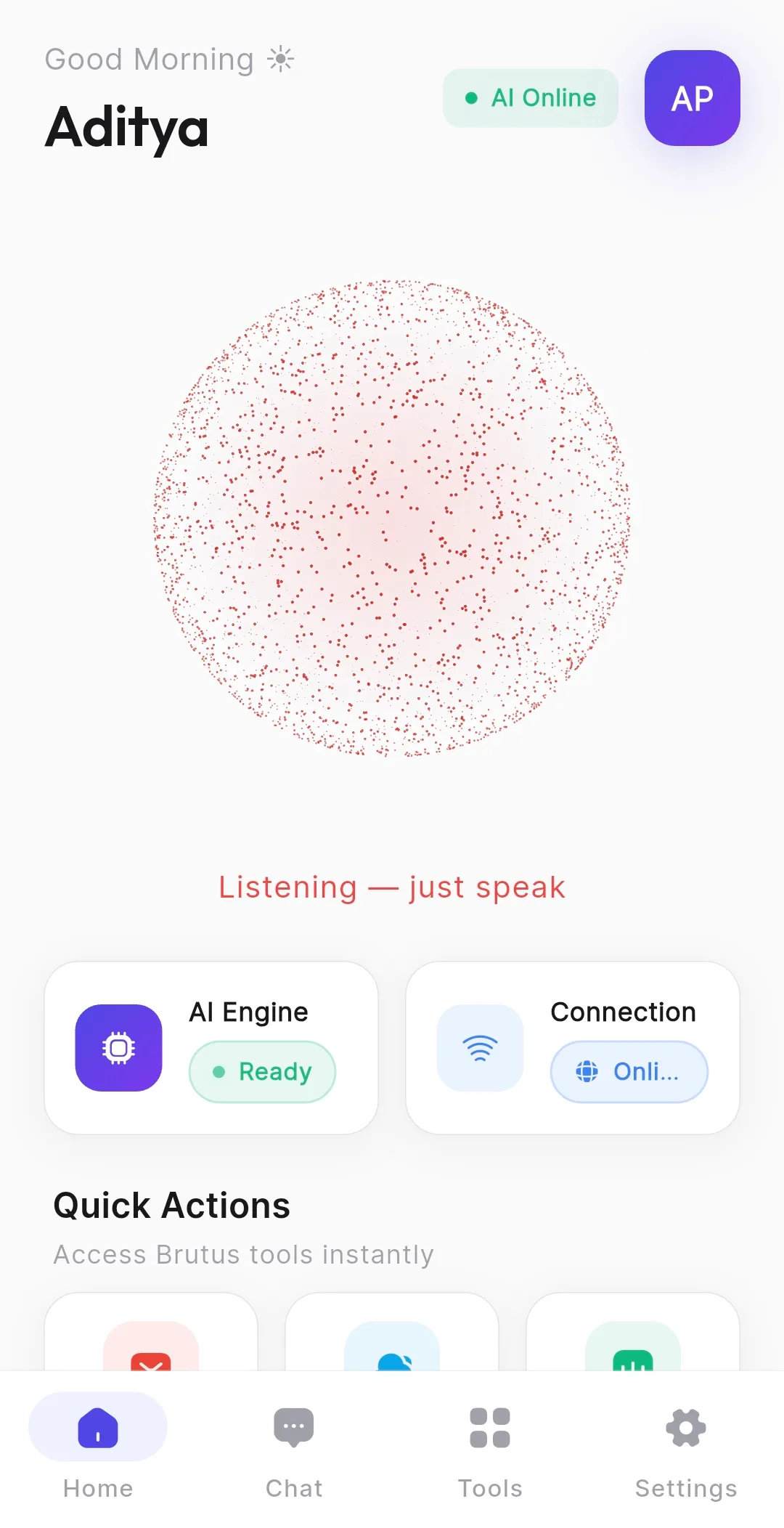
The desktop app is where the crew works. Brutus Mobile carries the same agent to Android, with Gemini Live voice and its own robot link, and the two share one conversation rather than starting over.
Safety
Not a setting bolted on at the end. Every autonomous action, whether it sends something, changes a file or runs a command, passes through a single approval gate in the core.
Approval gate
You set the threshold
Every action stops and waits for you. Nothing happens that you did not personally approve.
Reads and drafts freely. Anything that leaves the machine or writes to disk still asks first.
Brutus decides and acts, and writes down everything it did so you can walk it back.
Built on
The agents in Studio are the actual CLIs you already use, spawned as real processes through node-pty and rendered with xterm. Nothing is reimplemented, nothing is faked.
Bring your own keys.

One app where your agents collaborate, your language works, and the assistant reaches past the screen. Open source, end to end.
MIT licensed. Your API keys never leave your machine.